![[personal profile]](https://www.dreamwidth.org/img/silk/identity/user.png)


A small guide for posting pictures
Dec. 4th, 2018 12:56 pmAt the moment I am hosting the pictures on DeviantArt and don't use the upload function here, so let's sa, you have a URL with your picture.
Fine, make your post, klick "Insert Image"
Paste the link of your picture in the URL field.
Write a description for your picture. The Description is for the screenreader, so that people with visual disabilities still can enjoy websites. So imagine you have to describe your picture to someone on the phone. Make it sound nice, since this is what some persons will hear.
Once you successfully uploaded your picture, I reccomend clicking on the "HTML" editor in the post and put some styles in it, so the layout doesn't hop around.
you will see an img-tag in these "<" ">" of your picture with the url and your description of it.
Like so:< img src="URL/To/Your/Pic" alt="Description" / >
I suggest adding some style element to your picture, so it stays nicely in your post.
< img src="URL/To/Your/Pic" alt="Description" style="width:100%; max-width:1600px;" / >
I selected "1600px" because it is the original size of my picture. You should change it to the size your picture has.
Fine, make your post, klick "Insert Image"
Paste the link of your picture in the URL field.
Write a description for your picture. The Description is for the screenreader, so that people with visual disabilities still can enjoy websites. So imagine you have to describe your picture to someone on the phone. Make it sound nice, since this is what some persons will hear.
Once you successfully uploaded your picture, I reccomend clicking on the "HTML" editor in the post and put some styles in it, so the layout doesn't hop around.
you will see an img-tag in these "<" ">" of your picture with the url and your description of it.
Like so:< img src="URL/To/Your/Pic" alt="Description" / >
I suggest adding some style element to your picture, so it stays nicely in your post.
< img src="URL/To/Your/Pic" alt="Description" style="width:100%; max-width:1600px;" / >
I selected "1600px" because it is the original size of my picture. You should change it to the size your picture has.
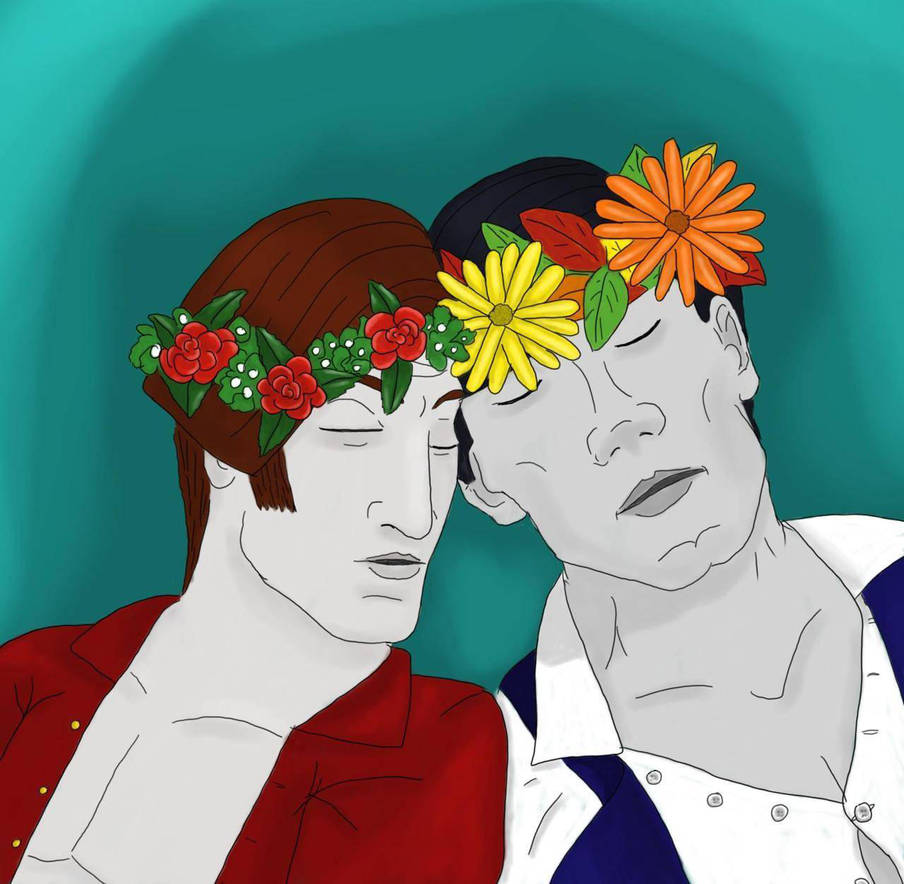
Pirate!Mercurio
Dec. 3rd, 2018 09:07 pmUUUUUUUUh.... NIPPLES
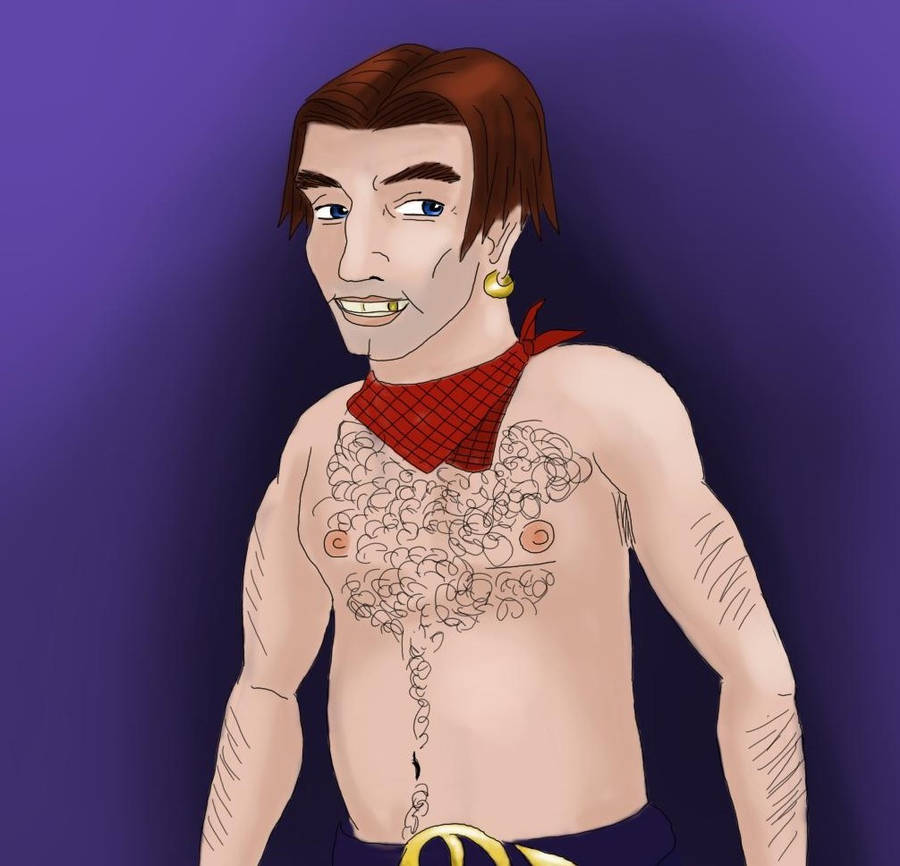
I would not want have this on my desktop at work so ... kinda nsfw?
I would not want have this on my desktop at work so ... kinda nsfw?